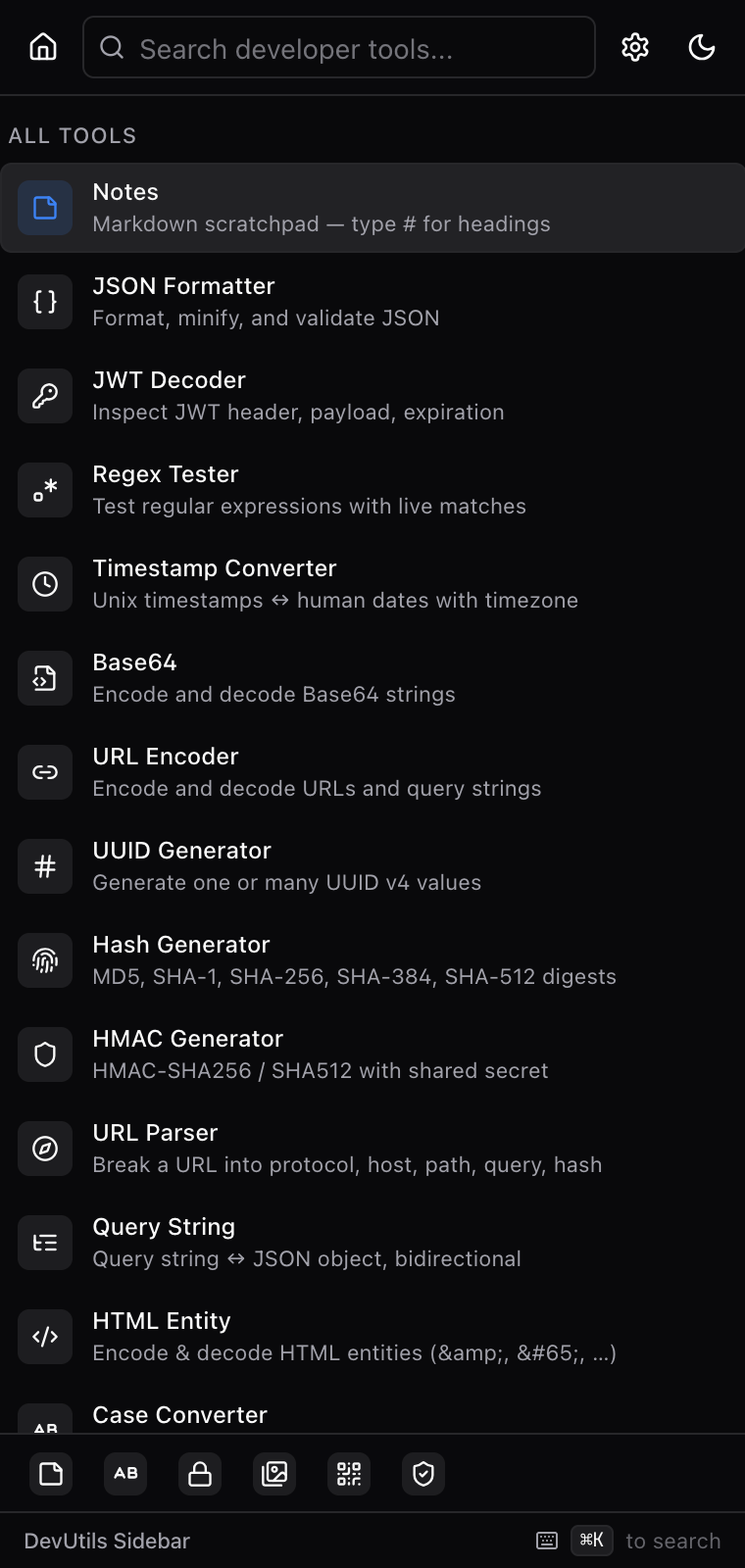
35 tools — JSON, JWT, Base64, regex, UUID, QR, an encrypted vault and more — that follow you to every tab. Press ⌘ Shift D and they're there. No popups, no new windows, no context switch.
Every common dev chore — format, encode, decode, parse, hash, generate, compare — under one roof. Open the panel and start typing.
Env files, SSH keys, API tokens, server logins — kept on this device, encrypted with a key derived from a passphrase you alone know. We never see it. There's no recovery.
We measured this. The extension has zero host_permissions and makes zero outbound network requests at any time.
You don't sign up, sign in, or hand us an email. There is no us-side account. There is no us.
No analytics scripts, no error reporters, no pings. The extension is bundled at build time — there's no remote code.
Preferences live in chrome.storage.local. The Vault is encrypted at rest — even we couldn't read it.
The dock starts at the bottom of the panel with six tools pinned. Re-arrange or hide it in Settings → Dock at any time — your choice is sticky.
Markdown scratchpad — code blocks with syntax highlighting, persists across sessions.
Open in browserAES-GCM-256 local store for env files, SSH keys, API tokens. No recovery — by design.
Open in browserPNG ↔ JPG ↔ WebP ↔ AVIF in your browser. Quality slider, no uploads, no rate limits.
Open in browser16 designer styles — including VietQR and Wi-Fi. Custom finder patterns, colored frames.
Open in browserCrypto-safe with live entropy estimate. Toggle character classes, avoid ambiguous chars.
Open in browsercamelCase, snake_case, kebab-case, Title Case, CONSTANT_CASE — every flavor at a click.
Open in browserThe same React app, bundled as a website. No install, no sign-up. Anything you do — values you enter, secrets you store — stays in localStorage on this device.
● The live demo runs the exact same code as the extension. Bookmarkable as a standalone PWA.